
Checklist
- Favicons
- CSS and Javascript files are minified
- Images optimization and SEO
- Website is responsive
- Website is cross-browser compatible
- Form Validation/Sanitization/Captcha
- Website is secure
- Website is fast/SEO friendly
- Website is accessible
Favicons
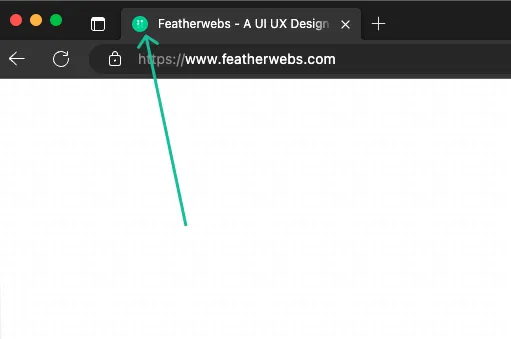
Check if the favicons are added to the website. Favicons are the small icons that appear next to your website title in the browser tab. Favicons are also used in bookmarks and shortcuts.
CSS and Javascript files are minified
| Before Minification | After Minification |
|---|---|
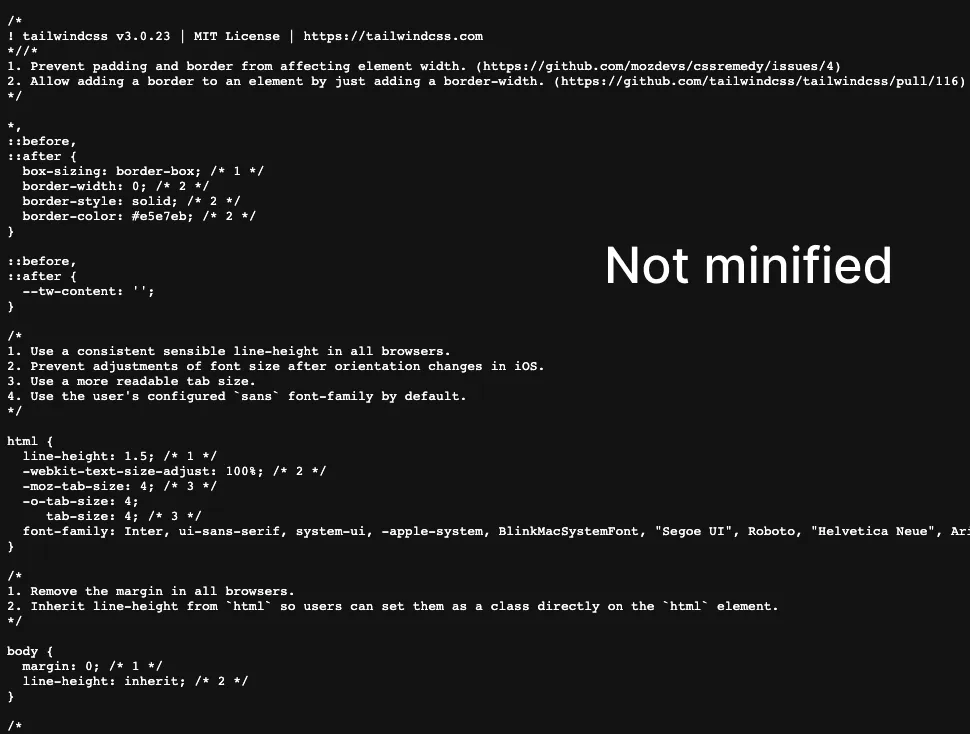 |  |
Check if the CSS and Javascript files are minified. Minification is the process of removing unnecessary characters from the source code without changing its functionality. Minification reduces the file size and improves the website performance.
Images optimization and SEO
Check if the images are optimized. Image optimization is the process of reducing the file size of an image without sacrificing its quality. Optimized images improve the website performance.
Check if the images have alt text and is dynamic. Alt text is used to describe the image. Alt text is used by screen readers to describe the image to the visually impaired users. Alt text is also used by search engines to understand the image.
Website is responsive
Check if the website is responsive. Responsive websites adapt to different screen sizes. The website should look good on mobile, tablet, and desktop devices.
Website is cross-browser compatible
Check if the website is cross-browser compatible. Cross-browser compatible websites work well on all modern browsers. The website should work well on Chrome, Firefox, Safari, and Edge.
Form Validation/Sanitization/Captcha
Check if the form validation, sanitization, and captcha are implemented. Form validation is the process of validating the form data. Form sanitization is the process of cleaning the form data. Captcha is used to prevent spam form submissions.
- Form should show an error message if the required fields are empty.
- Form must sanitize the form data before saving it to the database.
- Form must have captcha to prevent spam form submissions.
- Form must show a success message after submitting the form.
- Form must send an email notification to the admin after submitting the form.
Website is secure
Check if the website is secure. The website should use HTTPS instead of HTTP. HTTPS is a secure version of HTTP. HTTPS encrypts the data sent between the browser and the server. HTTPS is required for all websites.
Website is fast/SEO friendly
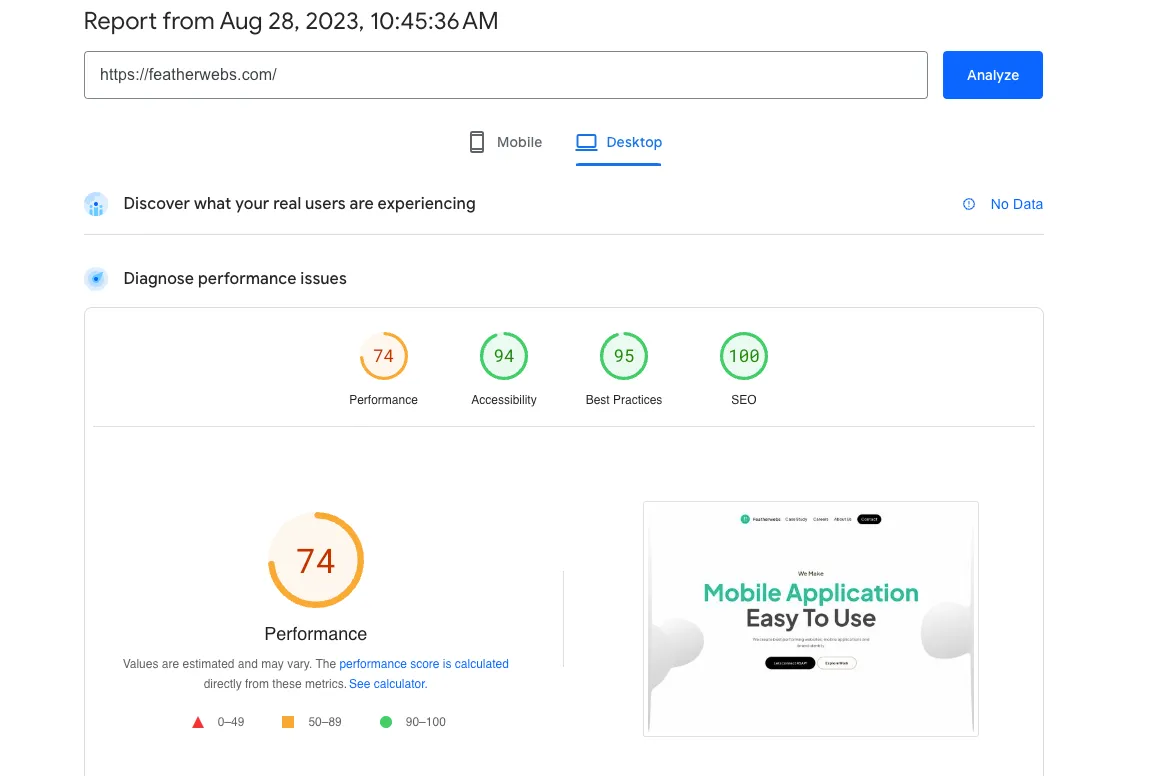
Check if the website is fast. The website should have a good performance score. You can use Google PageSpeed Insights and Gtmetrix to check the website performance. It is recommended that the website scores a minimum of A in Gtmetrix and B in Google Pagespeed overall ratings. Instruct the developers to make necessary changes as suggested by the given tools.
Check if the website is SEO friendly. The website should have a good SEO score. You can use Google Lighthouse to check the website SEO score.